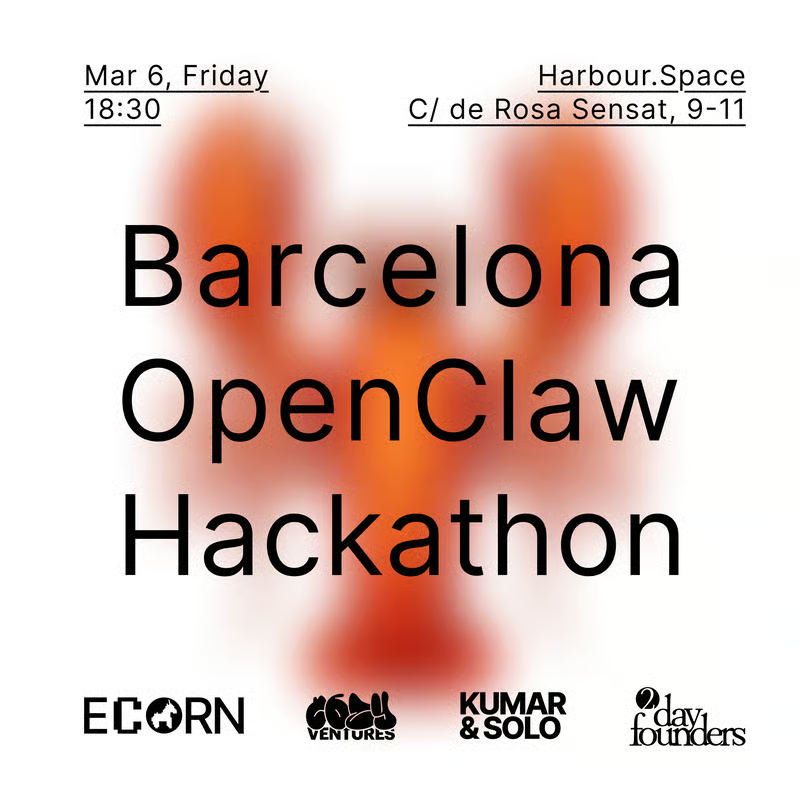
BCN OpenClaw Hackathon
About the Event
What you will do:
- See real examples from business owners and startup founders.
- Set up OpenClaw step by step on a secure virtual cloud server or on your own MacBook or Mac Mini.
- Connect OpenClaw to tools you already use, such as Telegram, Slack, Discord, WhatsApp, etc.
- Learn basic security and privacy practices.
- Work in small groups to brainstorm use cases and get direct help while building.
You can use the workshop to build and discuss workflows such as:
- Marketing automation and content generation
- SEO workflows
- Lead qualification and CRM automation
- Market research and competitive analysis
- Data analysis and reporting
- HR and candidate screening
- Connecting wearable data to track health
Schedule:
18:30 | Participants gathering:
19:00 | Introduction to OpenClaw and real use cases;
20:00| Hands-on OpenClaw setup;
21:00 | Use case idea session and breakout groups;
22:00 | Pizza, beers, networking.
What to bring:
A laptop that can access the internet. Wi-Fi may be unstable, so a personal hotspot is recommended.
If you want to install OpenClaw on your own MacBook or Mac Mini, we will have a separate station for that.
For security reasons, we strongly recommend installing OpenClaw on a dedicated computer. If you bring a Mac Mini, you must also bring your own monitor, keyboard, and mouse. We do not provide them.
Note: We will review security and privacy practices. The workflow we build during the session will not use private data.